
Offline blood bank software for Windows
Manage donors, blood inventory, testing, components, issue requests and reports from a secure local system. Built for blood banks that need reliability, data control and day-to-day simplicity without depending on internet connectivity.
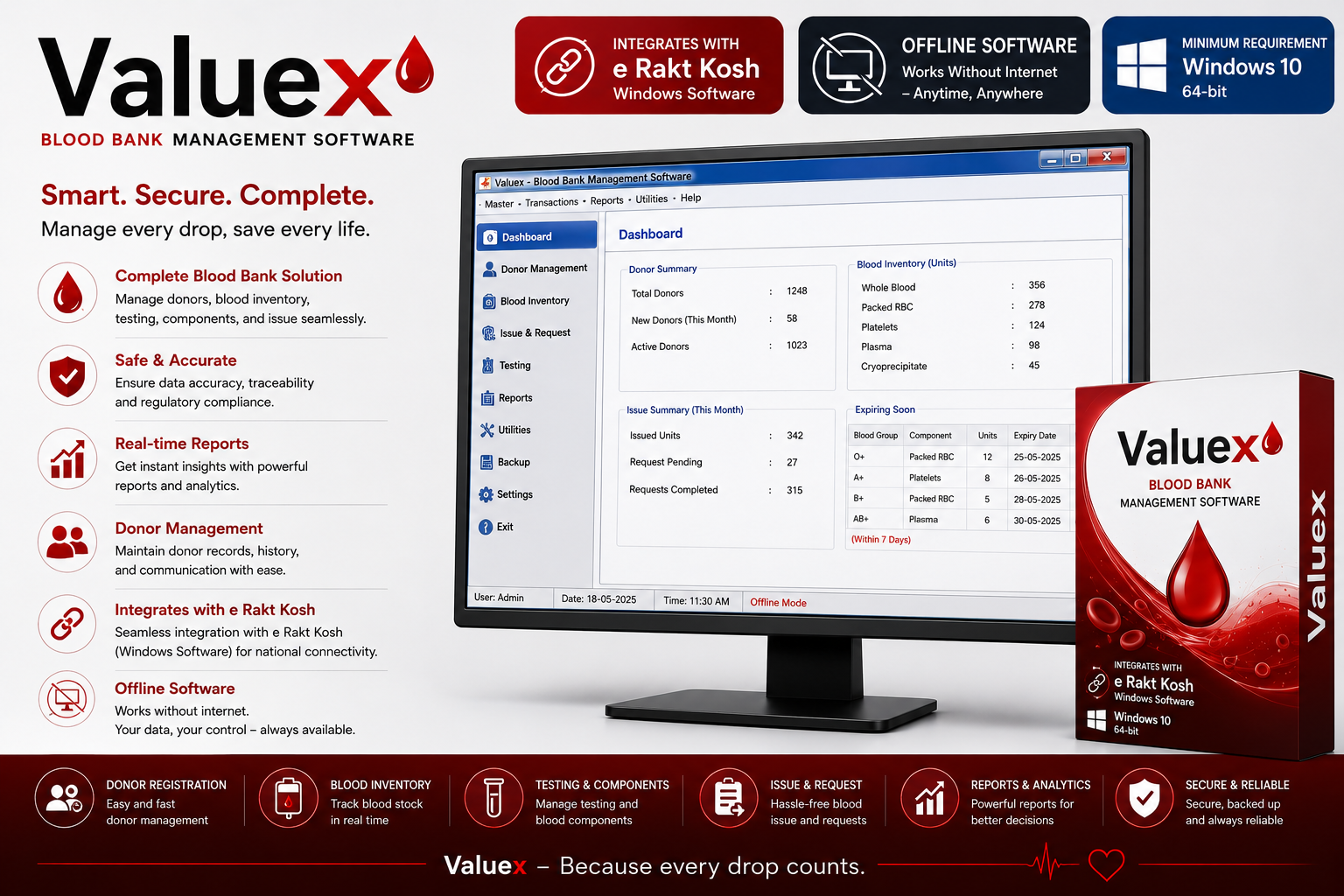
Smart. Secure. Complete.
Everything your blood bank needs in one offline system
Donor Management
Maintain donor records, registration details, history and communication data in one organized desktop software workflow.
Blood Inventory
Track whole blood, packed RBC, platelets, plasma, cryoprecipitate and other stock details with better visibility.
Testing & Components
Support routine testing workflows and blood component management so operational records stay clear and traceable.
Issue & Request
Handle blood issue and request workflows with organized entries for pending, completed and fulfilled requests.
Reports & Analytics
Generate useful operational reports for donors, blood stock, issue summaries, expiring units and management decisions.
Secure Local Data
Data is stored on the machine using a local encrypted SQLite database, keeping control inside your organization.
Minimum Requirements
Runs on Windows 10 and Windows 11 machines
The installer includes the required runtime. Internet is not required after installation, making it practical for blood banks that need stable offline access.
| Operating System | Windows 10 version 1809 or later, 64-bit |
|---|---|
| Recommended OS | Windows 10 21H2 or Windows 11 |
| Processor | 64-bit Intel/AMD CPU, dual-core or better |
| RAM | Minimum 4 GB, recommended 8 GB |
| Disk Space | At least 500 MB free. Current installer is about 70 MB and installed app payload is about 271 MB. |
| Architecture | x64 only |
| Internet | Not required after installation |
| .NET Runtime | Not required separately, included in the installer |
| Database | Local encrypted SQLite database stored on the machine |
| Permissions | Standard user install supported. Admin rights are usually not required unless company policy blocks app installation. |
Offline First
Use the software anytime on the installed Windows machine. Your team can continue daily blood bank operations even when internet access is unavailable.
e Rakt Kosh Ready
The software is built to integrate with e Rakt Kosh Windows software workflows for better national connectivity and operational continuity.
Simple Installation
The installer is compact, includes the needed runtime and supports standard user installation on compatible Windows systems.