
AI Image Tools
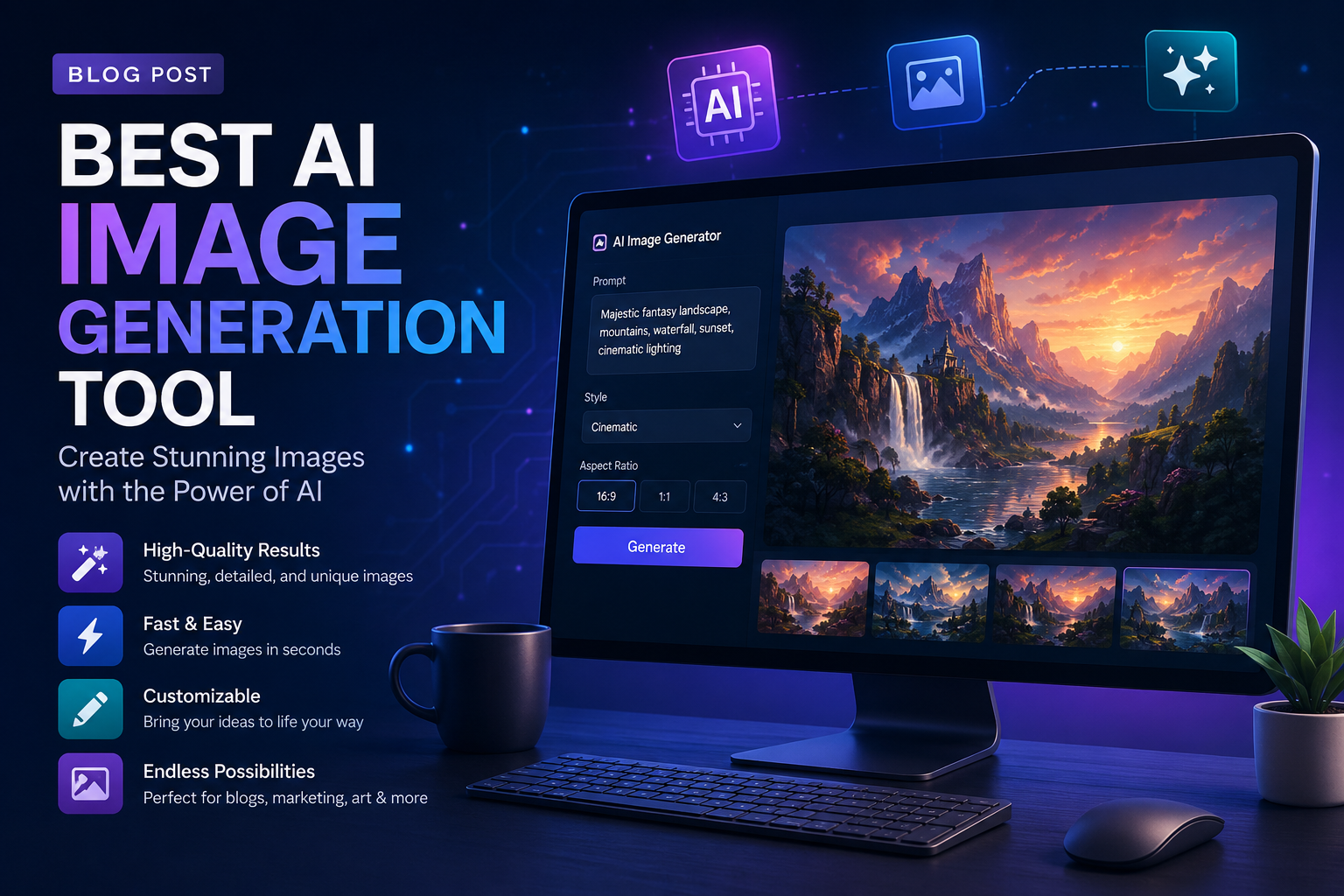
Best AI Image Generation Tools in 2026
AI image generation is now part of everyday creative work. Businesses use it for social media creatives, product concepts, ad visuals, website graphics, pitch decks, mood boards, thumbnails and campaign ideas. Designers use it to move faster, marketers use it to test more ideas, and founders use it when they need strong visuals without waiting for a full production cycle.
The tricky part is that every AI image tool is good at something different. Some tools make beautiful artistic images. Some are better for commercial brand work. Some are great at text inside images. Some give developers and advanced creators more control. This guide explains the best AI image generation tools in simple language.
The best AI image generator depends on what you want to create: realistic photos, brand-safe designs, social media graphics, text-based posters, product concepts or fully controlled custom images.
1. Midjourney
Midjourney is one of the most popular AI image generation tools for high-quality visuals, cinematic concepts, stylized art, thumbnails, fashion ideas, interior concepts and creative campaign mood boards.
Choose Midjourney if you want images that look polished, artistic and visually impressive. It is especially useful for creative directors, designers, content creators and brands that want strong visual concepts. The only challenge is that it may take some practice to control the output exactly.
2. ChatGPT image generation
OpenAI's image generation inside ChatGPT is a strong option for people who want to create and edit images through conversation. You can describe what you want, ask for changes, refine the layout and keep improving the same idea without learning complex prompt syntax.
Choose ChatGPT image generation if you want an easy, beginner-friendly tool for marketing images, blog visuals, mockups, social media creatives and image editing. It is also useful when your image idea is connected to copywriting, campaign strategy or a larger content plan.
3. Adobe Firefly
Adobe Firefly is a strong choice for professional design teams and businesses that care about commercial safety, editing workflows and integration with Adobe tools like Photoshop and Illustrator. Adobe has also expanded Firefly into a broader creative AI studio with multiple models and editing features.
Choose Adobe Firefly if you work with brand assets, client campaigns, product creatives, posters, ad visuals or design files that need to move into Adobe editing tools. It is a practical choice for agencies and marketing teams.
4. Ideogram
Ideogram is especially useful for images that need readable text, such as posters, typography graphics, social media quotes, packaging concepts, logo-style explorations and event creatives.
Choose Ideogram if your image needs words inside it. Many AI image generators struggle with spelling and typography, so Ideogram is a good tool when text accuracy matters.
5. Stable Diffusion
Stable Diffusion is popular with advanced users because it gives more control, customization and flexibility. It can be used locally or through many web tools, and it supports custom models, LoRAs, inpainting, outpainting and detailed workflow control.
Choose Stable Diffusion if you are technical, want more control, need custom styles or want to build repeatable creative workflows. It is powerful, but beginners may find it more complex than ChatGPT, Firefly or Canva.
6. Flux
Flux from Black Forest Labs has become a strong image model family for creators who want high-quality output, prompt accuracy and more realistic visuals. It is often available through creative platforms and developer tools rather than only one consumer app.
Choose Flux if you want strong image quality and are comfortable using tools that provide access to different models. It can be a good fit for developers, creative technologists and teams testing multiple image models.
7. Canva AI
Canva AI is useful for people who want image generation inside an easy design workflow. Instead of creating an image and then moving it into another app, you can generate visuals and place them directly into social posts, presentations, flyers, ads and brand templates.
Choose Canva AI if you need practical marketing graphics quickly. It is a good option for small businesses, social media managers, students and teams that want ready-to-use designs instead of only raw image outputs.
8. Google Imagen and Gemini image tools
Google's image generation models are becoming more useful through Gemini and creative platforms. They are known for strong prompt understanding, realistic image output and broader integration with Google's AI ecosystem.
Choose Google image tools if you already use Gemini or Google Workspace, or if you want high-quality images from detailed prompts. Availability and features can vary by product and region, so check the current access options before building a workflow around it.
Which AI image tool should you choose?
- Best for artistic quality: Midjourney
- Best for easy prompting and editing: ChatGPT image generation
- Best for commercial design workflows: Adobe Firefly
- Best for text inside images: Ideogram
- Best for advanced control: Stable Diffusion
- Best for model experimentation: Flux
- Best for quick marketing graphics: Canva AI
- Best for Google ecosystem users: Gemini and Imagen tools
Tips before using AI images for your brand
Start with a clear brief. Mention the subject, style, background, mood, color palette, platform, aspect ratio and purpose. A prompt for a website banner should be different from a prompt for an Instagram carousel or product ad.
Always check commercial rights, brand safety, copyright risk, model terms, editing permissions and whether the image includes any real person or protected brand element. For client work, use tools and workflows that are suitable for commercial usage.
How ValueX Digital can help
ValueX Digital helps businesses use AI image generation for social media creatives, ad concepts, website graphics, campaign mood boards, thumbnails, pitch decks and brand content. We combine AI tools with human design judgment so the final creative still feels professional and on-brand.
If your business wants faster content creation, AI-assisted design ideas or a complete visual content workflow, connect with ValueX Digital for practical AI marketing support.
Leave A Reply
Your email address will not be published. Required fields are marked *

Pranjal Shrivastava
Director at ValueX Digital