
Google Business Profile
How to Update Google Business Profile Contact Number Issue in India
For many Indian businesses, the contact number on Google Business Profile is the first call button a customer sees. When that number is wrong, pending, rejected, or not showing correctly, leads can drop quickly. The good news is that most phone number issues can be fixed with a clean update process and consistent business information.
If your Google Business Profile phone number is not updating, check ownership, verification, phone format, website consistency, and pending edit status before making repeated changes.
Why Google Business Profile phone number issues happen
Phone number edits can get delayed or rejected when the profile is not verified, the number does not match the business website, the same number is used across unrelated profiles, the profile has recent suspicious edits, or Google needs more time to review the change. In India, this often happens after a business changes mobile numbers, shifts offices, adds a call tracking number, or updates multiple local listings at the same time.
Google also expects the phone number to be an authoritative business contact number. That means the number should be controlled by the business, reachable by customers, and visible consistently across the website, social profiles, directories, and ads wherever possible.
Step-by-step: how to update your contact number
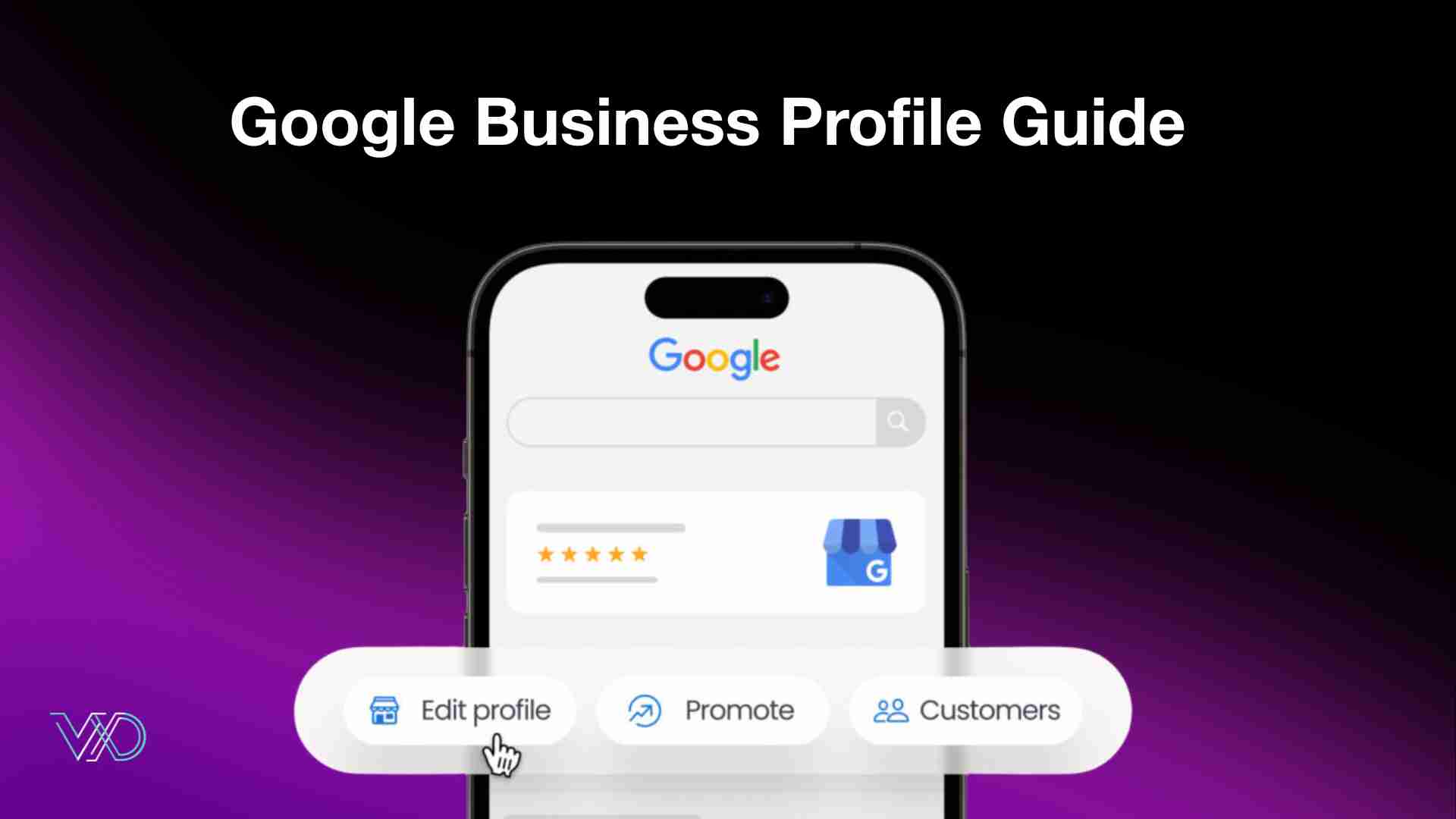
First, sign in with the Google account that manages your Business Profile. Search for your business name on Google or open Google Maps, then go to your Business Profile. Select Edit profile, open the Contact section, and edit the phone number field.
Select India as the country if the country code is requested, enter the business mobile or landline number, and save the change. Google may format the number automatically, so avoid adding unnecessary symbols. If your business needs more than one contact option, you can add additional numbers, but keep the most reliable business number as the primary contact.
What to do if the phone number is pending or not approved
If the update stays pending, do not keep changing the number again and again. Repeated edits can slow review and create trust issues. Instead, check whether your profile is verified, confirm that the same number is shown on your website contact page and footer, and make sure customers can actually call the number during business hours.
Update your website, social media pages, and major local citations so the business name, address, and phone number are consistent. If you use a call tracking number, keep it configured carefully and avoid using a number that looks disconnected from the real business. If Google asks for verification, complete it before expecting the number to appear publicly.
India-specific checklist for local businesses
Use a dedicated business mobile number or landline, avoid sharing one phone number across multiple unrelated businesses, keep WhatsApp and calling availability clear, and make sure the same contact number appears on your website. For service-area businesses, keep your service area and contact details accurate instead of adding addresses or numbers only for ranking advantage.
Also review your business category, opening hours, website link, and profile ownership. A phone number problem is sometimes part of a larger trust issue in the profile, so a complete profile audit is better than changing only one field.
How ValueX Digital helps fix Google Business Profile issues
ValueX Digital helps Indian businesses audit and correct Google Business Profile contact number issues, local SEO consistency, website contact details, map visibility, and profile optimization. Our team can review why the phone update is not showing, clean up NAP consistency, improve your local SEO signals, and guide the profile through the right update process.
If your business is losing calls because of an incorrect Google Business Profile number, connect with ValueX Digital for a profile audit and local SEO support.
Leave A Reply
Your email address will not be published. Required fields are marked *

Pranjal Shrivastava
Director at ValueX Digital