
AI Video Tools
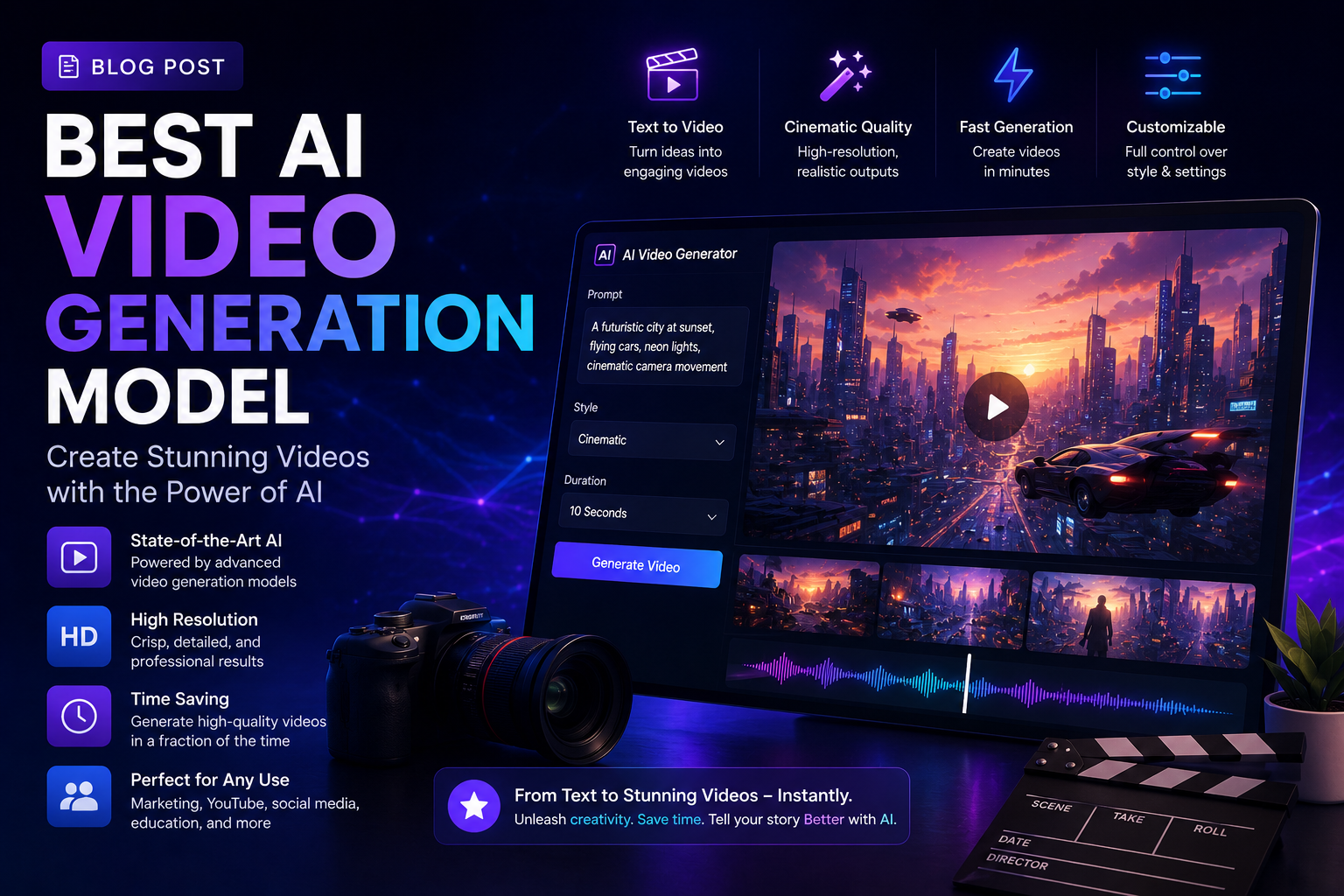
Best AI Video Generation Tools in 2026
AI video generation has moved very fast. A few years ago, most tools produced strange motion, broken hands and short clips that were hard to use in real marketing. Today, the best AI video generation tools can help brands create ad concepts, social media videos, product visuals, training clips, avatar videos and cinematic scenes much faster than a traditional production workflow.
Still, there is no single best AI video tool for everyone. A tool that is great for cinematic shots may not be the best for avatar explainers. A tool that is perfect for quick Instagram reels may not be ideal for a polished brand film. This guide keeps things simple so you can choose the right tool for your use case.
The best AI video generation tool is the one that matches your goal: cinematic quality, speed, avatars, product demos, social content or business presentations.
1. Runway
Runway is one of the strongest choices for creators who want cinematic AI video, visual effects, image-to-video generation and more control over the final look. It is useful for concept films, music video ideas, brand visuals, experimental ads and creative direction tests.
Choose Runway if you care about camera movement, visual style, consistency and professional-looking creative output. It may take some experimentation, but it is a strong option for agencies, filmmakers and serious content teams.
2. Google Veo
Google Veo is a strong option for high-quality video generation, especially for teams already using Google tools or enterprise workflows. Google has been pushing Veo into creative and business products, including Flow, Gemini API, Vertex AI and Google Vids.
Choose Veo if you want polished video quality, strong prompt understanding and a workflow that can fit into business or enterprise content production. It is especially interesting for brands that need reliable generation and future scalability.
3. Kling AI
Kling AI has become a serious AI video generation option for creators who want strong motion, character consistency and multi-shot storytelling. Its newer model releases focus on giving creators more narrative control instead of only generating one random clip.
Choose Kling if you want to experiment with short film ideas, character-led clips, action scenes or story-based content. It is a good tool when you need more than a static-looking video.
4. Luma Dream Machine
Luma Dream Machine is popular for image-to-video and creative visual exploration. It can help turn still images into moving shots, create mood visuals and generate short clips that feel useful for social media, pitch decks and concept development.
Choose Luma if you already have images, product shots, creative references or campaign visuals and want to animate them into video. It is a good bridge between AI image creation and AI video production.
5. Pika
Pika is a good choice for quick, playful and social-first AI video creation. It is useful for creators who want to make short clips, visual effects, meme-style content, product teasers and fast experiments without needing a very complex production setup.
Choose Pika if speed and ease matter more than deep cinematic control. It is helpful for testing ideas before investing time in a more advanced video workflow.
6. HeyGen
HeyGen is different from tools like Runway or Veo because it is best known for AI avatar videos. It is useful for training videos, product explainers, sales videos, onboarding videos, educational content and multilingual presenter-style videos.
Choose HeyGen if you need a human-like presenter, avatar narration, voice sync or scalable business communication. For companies, this can reduce the time needed to record repeated explainers or internal videos.
7. Synthesia and other avatar video tools
Avatar platforms such as Synthesia are useful when your goal is not cinematic generation but clear communication. They work well for corporate training, HR videos, product walkthroughs, course content and simple explainer videos.
Choose avatar video tools when you need clarity, consistency and repeatable business content instead of dramatic visuals.
What about Sora?
Sora made a huge impact on public interest in AI video, but it is not the safest tool to recommend as a primary choice right now because OpenAI's own Sora pages currently state that the Sora product is no longer available. If OpenAI launches a new video product later, it may become important again, but businesses should choose tools that are available and reliable for their current workflow.
Which AI video tool should you choose?
- Best for cinematic creative work: Runway or Google Veo
- Best for story-based clips: Kling AI
- Best for animating images: Luma Dream Machine
- Best for fast social clips: Pika
- Best for avatar explainers: HeyGen or Synthesia
- Best for business teams: Veo, HeyGen or Synthesia depending on the use case
Tips before using AI video for your brand
Start with a clear script or storyboard before opening any tool. AI video works better when you know the scene, subject, style, camera movement, background, duration and final platform. For example, an Instagram reel, a YouTube ad and a website hero video all need different framing.
Also check usage rights, watermark rules, commercial licensing, data privacy and brand safety before publishing AI-generated videos. If your video includes a real person, voice, celebrity likeness or customer data, get proper consent and follow platform guidelines.
How ValueX Digital can help
ValueX Digital helps businesses plan, create and optimize video content for social media, ads, websites and brand campaigns. Our team can help you decide when to use AI video, when to shoot real footage, and how to combine both for better marketing output.
If your business wants AI-assisted video concepts, social media creatives, video ads or production support, connect with ValueX Digital for a practical video marketing workflow.
Leave A Reply
Your email address will not be published. Required fields are marked *

Pranjal Shrivastava
Director at ValueX Digital